20+ Free Online Image Tools – Convert, Compress, Resize & Edit Photos
Convert, compress, resize and edit images using our collection of free image tools online. You can optimize images for websites, convert formats like JPG, PNG, WEBP or HEIC, and perform quick edits directly in your browser.
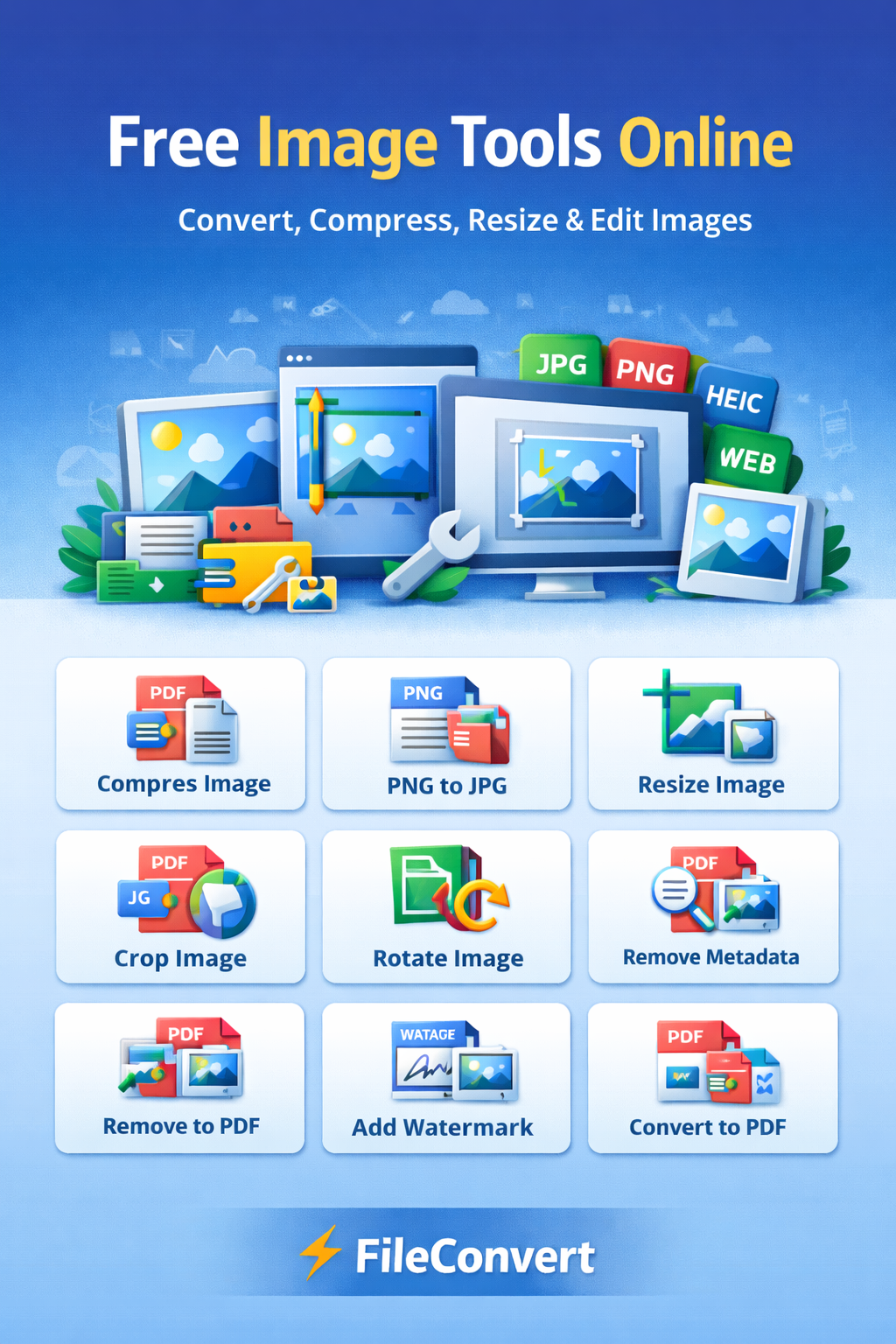
Free Online Image Convert Tools
JPG to PDF Converter
Convert JPG or JPEG images into a single PDF document for easy sharing and archiving.
PNG to PDF Converter
Convert PNG images into PDF format for document sharing and printing.
JPG to PNG Converter
Convert JPG images to PNG while preserving transparency and quality for graphics and logos.
PNG to JPG Converter
Convert PNG images to JPG format for smaller file sizes and better compatibility.
WEBP to PNG Converter
Convert WebP images to PNG format for maximum compatibility across all devices.
PNG to WEBP Converter
Convert PNG images to WebP format to reduce file size by up to 35% for websites.
HEIC to JPG Converter
Convert Apple HEIC photos from iPhone to universally compatible JPG format.
HEIC to PNG Converter
Convert HEIC images to PNG format while preserving quality and transparency.
JPG to HEIC Converter
Convert JPG images to HEIC format for better compression on Apple devices.
SVG to PNG Converter
Convert SVG vector graphics to PNG raster images with custom dimensions.
SVG to JPG Converter
Convert SVG vector files to JPG images for web use and compatibility.
SVG to PDF Converter
Convert SVG vector graphics to PDF format while preserving vector quality.
Image to SVG Converter
Trace raster images (PNG, JPG) to vector SVG format for scalable graphics.
Image to WEBP Converter
Convert JPG, PNG, and other images to modern WebP format for web optimization.
Merge Images to PDF
Combine multiple JPG, PNG, and other images into a single PDF document.
Free Online Image Edit Tools
Compress Image
Reduce image file size while preserving quality for faster website loading and email sharing.
Resize Image
Resize images to specific dimensions in pixels or percentage while maintaining aspect ratio.
Rotate Image
Rotate images by 90°, 180°, 270° or any custom angle to fix orientation.
Crop Image
Crop images to remove unwanted areas, adjust framing, or focus on specific subjects.
Remove Image Metadata
Strip EXIF, GPS, and camera information from images for privacy protection.
Add Watermark to Image
Add text or image watermarks to protect your photos from unauthorized use.